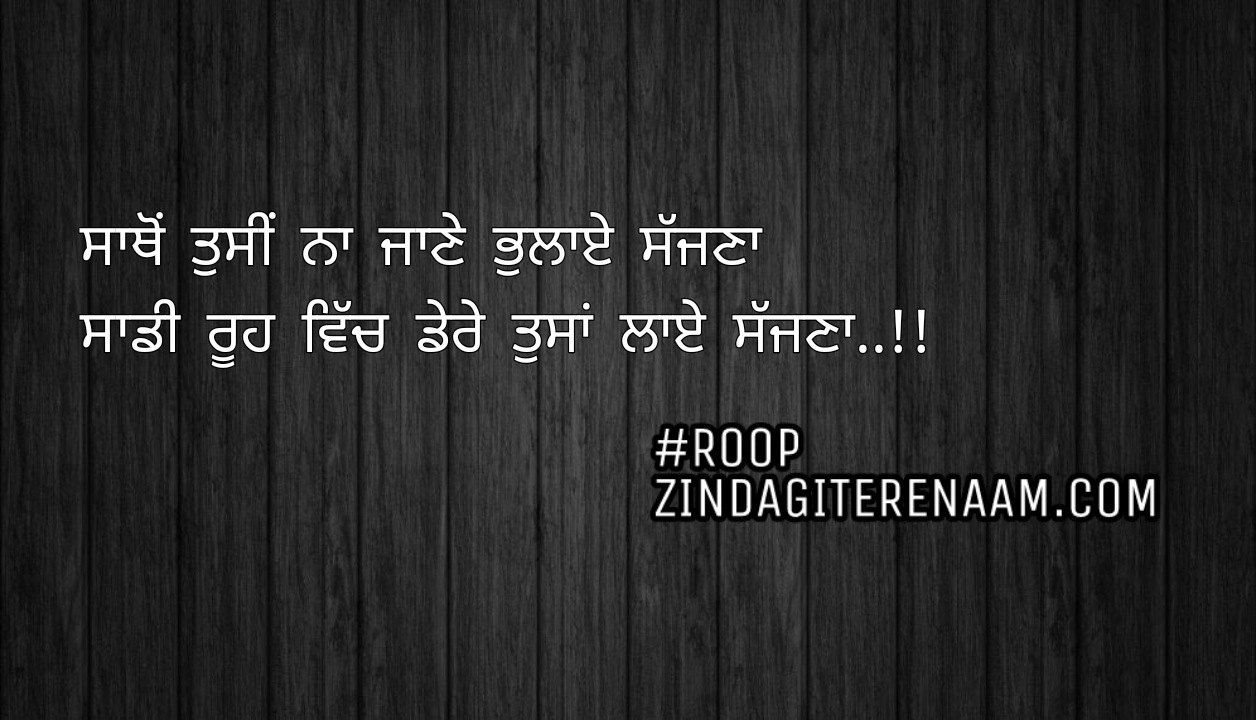
Best Punjabi - Hindi Love Poems, Sad Poems, Shayari and English Status
onha dhokha dita || sad bewafa punjabi shayari
Loki sadi bekdri karde ,
asi smjheya pyar karde ‘
asli gal ta eh hai ki
jina utta itbar kitta onha dhokha dita ,
jinu pyar kitta onha samjota kita ,
pyar ta kamla fer hona chunda e
dil nu samjaya per fer vi sat khana chunda e ,
har kisa ne Abdul nu apne apne trike nal istmal kitta
te mai samjda reha ki loki manu pasand kerde’
‘ Rab vich aas jagao ” baki sab sath chad janda ne
Title: onha dhokha dita || sad bewafa punjabi shayari
How to create UPI payment address using BHIM application?
Any user having a smartphone and bank account is eligible to use BHIM. That being said, you need your mobile number registered with the bank and a debit card linked to that account. You can download the app from Playstore or AppStore.
After installing and running the app for the first time:
- Select Language
- The app will ask permission to send SMS to verify.
- A successful attempt will take you to the Home page
- If unsuccessful, after 45 seconds an OTP will be sent to you.
- If step 4 is unsuccessful, you will be prompted to dial an Unstructured Supplementary Service Data (USSD) code.
- Once National Payments Corporation of India (NPCI) recognizes your mobile number and handset, your registration is complete.
On successful registration, a default ID i.e. mobilenumber@upi will be created.
Please check detail BHIM registration video to create UPI address.
You can then update this address in “update BIO” UPI section.
