Skip to content

TERE HON DA || SHAYARI BY A SHAYAR

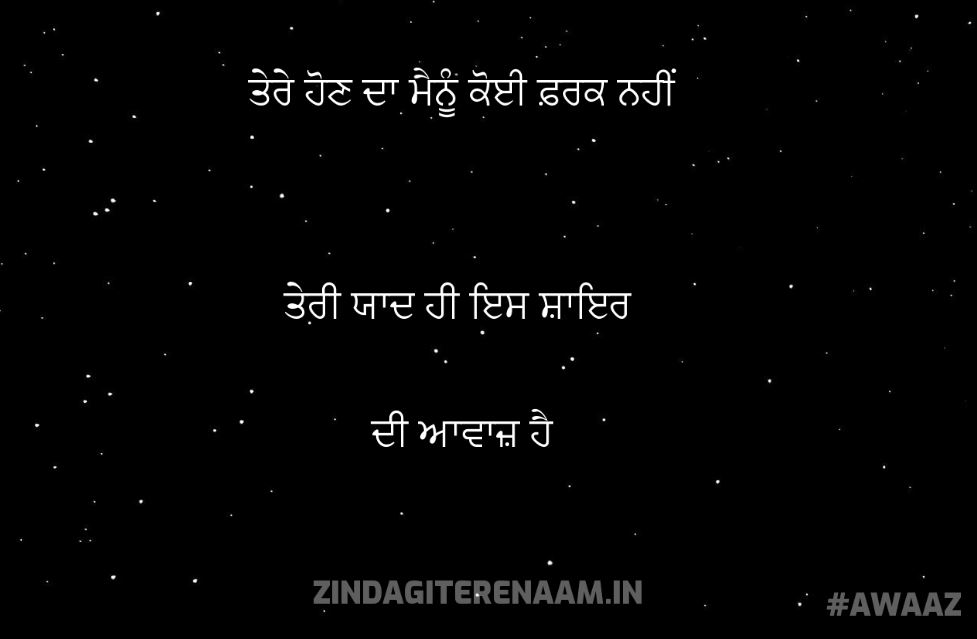
Tere hon da mainu koi farak nai
teri yaad hi is shayar di awaaz hai || shayari by a shayar


Best Punjabi - Hindi Love Poems, Sad Poems, Shayari and English Status


How to add emoji in your shayaris?

Recently, we had lots of requests to add emoji, emoticons or smiley in the Shayari. Today, Through this post I’m gonna show you guys, how you can add emoji while submitting your shayari.

Before going further, I would like to tell you this post is for the “CONTRIBUTORS” who want to add emoticons in their Shayari. If you are not the contributor, still you can read this article. It will help you to add emojis to any website.

There are many ways by which you can add Emoji to zindagiterenaam.com shayari. Lets discuss all of them.

We will discuss here 2 types of users: mobile user and the desktop user. since the keyboards are different for these platforms so we will discuss both type of users separately.

ADD EMOJIS THROUGH MOBILE DEVICE

Our website accepts almost all type of Emojis, user can add them by using their default android or apple keyboard. If you don’t know how you can get those emojis from the keyboard, I am showing a snapshot below probably that may help you to find them.

select emojis to add them in your shayari from mobile device

This should work seamlessly without any issue.

ADD EMOJIS THROUGH DESKTOP

I’m gonna show you two methods that will work perfectly for your desktop and these methods are:

ADD EMOJIS THROUGH WINDOWS 8 OR WINDOWS 10

If you are user of windows 8 and windows 10 then this method will work for you very perfectly. windows have a facility of “touch keyboard” and we can use it to add emoji. below are the steps:

  • Right click on the empty space on task-bar.
  • click on the “show touch keyboard button”.
  • A keyboard will be shown at taskbar at right corner:
  • click on it and select emoticons you want to use

SNAPSHOTS:

windows keyboard for emojis emoticons
add emoticon through window virtual keyboard

ADD EMOJIS THROUGH GOOGLE CHROME BROWSER

If you are the user of chrome browser, you can follow below steps to add emoticons:

  • download and install the “Emoji Keyboardchrome extension.
  • Once installed, an Emoji icon will available at the upper-right corner of the Chrome browser screen. Select it.
  • Type the text you want to type and include the emoji characters you wish to use, then select “Copy Message“.
  • Paste (CTRL + V) the Emoji message in the text field where you would like to use it.

SNAPSHOT:

Add emoticons through chrome extension

The LAST METHOD THAT WILL WORK FOR EVERYONE

This is also a copy and paste method. we will copy emoticons from a site and can paste them where ever we want:

  • Visit the website: www.emojis.com
  • copy(ctrl + c) the emoji you like and paste (ctrl + v) at your required location.
  • Here is the snapshot of the website:
copy and paste emojis from emojis.com for shayari


wang hawa de c || punjabi shayari || love and written from heart || arsh

Wang hawa de aai c o
sabh kujh lutt ke le gai e
Fir aayegi duniyaa vekh ke
eh gal arsh nu keh gai e
hun taa pal pal rehnda da intezaar ohda hi -2
meri zindagi di bedhi ohde hath vich hi reh gai e

hun rooh v meri hasdi mere te -2
ki kise nu kehna ni
pyar taan ik khel c
saareyaa ne khelde rehna ni

Ik baazi laai c me v haar gya
ishq di ktaar vich taan arsh ne akhir vich hi rehna c
je fer chaawe tade di mainu ik mauka
fer yaari laun da
dedi ehsaas fer ik vaari
yaari laake naa nibhaun da

mainu pata c kismat nai c naal mere
taahi dukha da dera lageya
tu kush rave eh reejh dil di
tahi tera har dukh menu mera lageya

hun arh taa katt lu zindagi saari
likh likh geet guzaare hone
mai taa haareya c dil tere ton
hun tenu v yaad mere supne pyare hone

maaf kari je hoi howe galti koi russi na -2
ambraa vich jinne v ne taare gin le
arsh di tarfo tere kadmaa ch saare hone
tere kadmaa ch saare hone

Title: wang hawa de c || punjabi shayari || love and written from heart || arsh