टुकड़े कितने किए तूने बदला पुराना लगता है
तेरे लोट आने की बात अब बहाना लगता है
वैसे तो भूलते नही है हम पर
तेरे साथ बिता वक्त अब पुराना लगता है
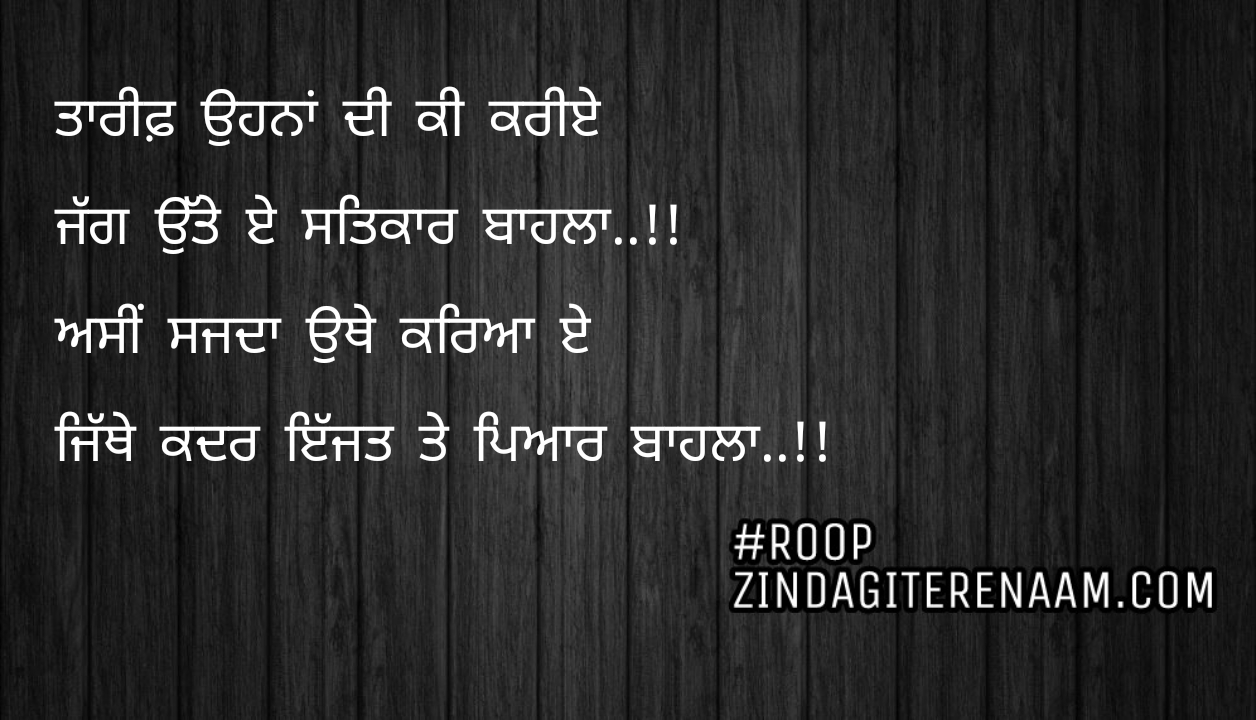
टुकड़े कितने किए तूने बदला पुराना लगता है
तेरे लोट आने की बात अब बहाना लगता है
वैसे तो भूलते नही है हम पर
तेरे साथ बिता वक्त अब पुराना लगता है
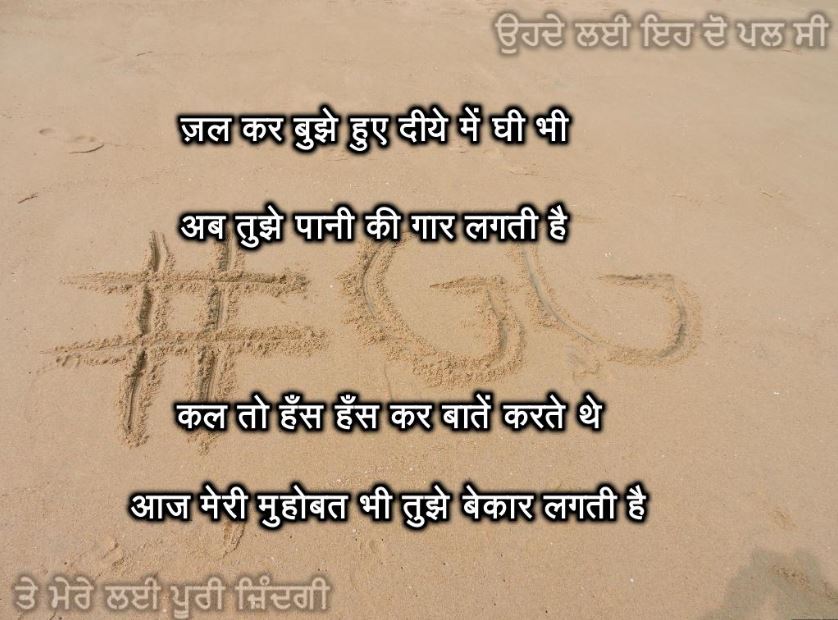
Jagg che haseen chehre lakhan firde neh
Hussan dekh k lokki pyaar karde neh
Sirat nu nirana karde neh
Pawe dil aur dimaag sohne da hove lokki fer vi jisma teh marde neh
Recently, we had lots of requests to add emoji, emoticons or smiley in the Shayari. Today, Through this post I’m gonna show you guys, how you can add emoji while submitting your shayari.
Before going further, I would like to tell you this post is for the “CONTRIBUTORS” who want to add emoticons in their Shayari. If you are not the contributor, still you can read this article. It will help you to add emojis to any website.
There are many ways by which you can add Emoji to zindagiterenaam.com shayari. Lets discuss all of them.
We will discuss here 2 types of users: mobile user and the desktop user. since the keyboards are different for these platforms so we will discuss both type of users separately.
Our website accepts almost all type of Emojis, user can add them by using their default android or apple keyboard. If you don’t know how you can get those emojis from the keyboard, I am showing a snapshot below probably that may help you to find them.

This should work seamlessly without any issue.
I’m gonna show you two methods that will work perfectly for your desktop and these methods are:
If you are user of windows 8 and windows 10 then this method will work for you very perfectly. windows have a facility of “touch keyboard” and we can use it to add emoji. below are the steps:


If you are the user of chrome browser, you can follow below steps to add emoticons:

This is also a copy and paste method. we will copy emoticons from a site and can paste them where ever we want: